How to Convert Phone 4G to 5G. The arrival of 5G technology has changed the way people use smartphones. With faster internet speeds, lower latency, and improved network performance, many users want to enjoy the benefits of 5G. This often leads to a common question: Can you convert a 4G phone to 5G?
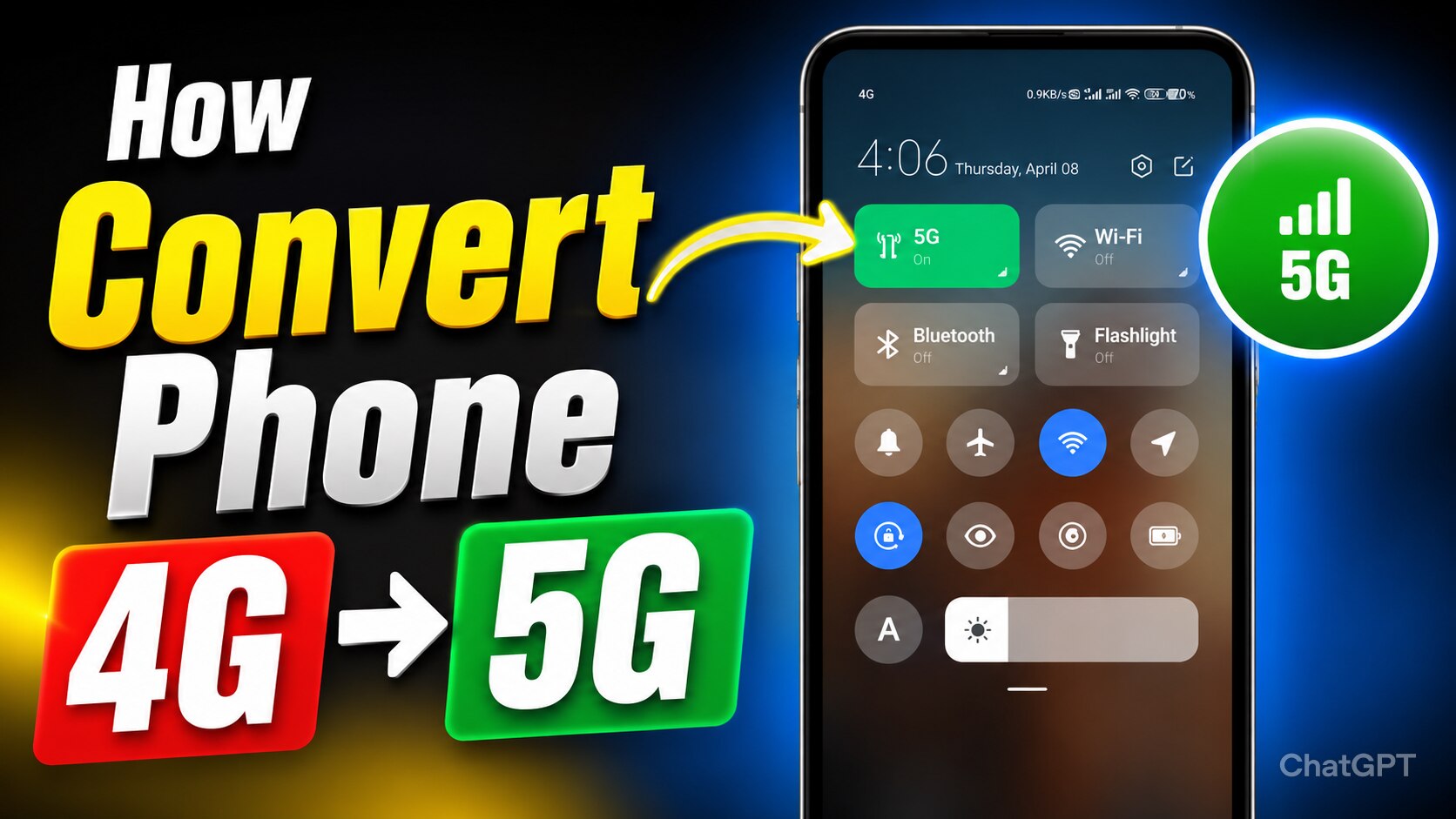
If you own an older smartphone and are hoping to unlock 5G connectivity through a setting, app, or software update, the answer may not be what you expect. Let’s explore whether a 4G phone can become a 5G phone and what options are available.
Difference Between 4G and 5G
Before discussing conversion methods, it’s important to understand how 4G and 5G work.
A smartphone connects to mobile networks through specialized hardware called a modem and antennas. A 4G phone contains hardware designed specifically for 4G LTE networks. Similarly, a 5G phone includes advanced components that support 5G frequencies and technologies.
The key point is that 5G support is not just software-based. It requires dedicated hardware inside the device.
Can a 4G Phone Be Converted to 5G?
In most cases, no, a 4G phone cannot be fully converted into a true 5G phone.
Many websites and videos claim that changing hidden settings, downloading apps, or installing updates can enable 5G on any phone. These claims are usually misleading.
Even if your phone displays a 5G icon after using certain tricks, it does not mean the device is actually connected to a real 5G network. Without compatible hardware, genuine 5G connectivity is impossible.
How to convert a 4 G phone to 5G
Think of it like trying to turn a bicycle into a motorcycle by installing a mobile app. The software may change how things look, but it cannot replace the physical components required for operation.
A 5G smartphone includes:
- 5G modem hardware
- Advanced antenna systems
- Support for 5G frequency bands
- Optimized processors designed for 5G communication
If these components are not present inside the phone, no software update can magically create them.
Settings and Secret Codes
Some Android phones include network settings that allow users to select preferred network modes.
For example, you may find options such as:
- LTE Only
- LTE/3G/2G Auto
- NR/LTE
The term “NR” stands for New Radio, which is associated with 5G technology.
However, seeing a 5G option in settings does not guarantee that your phone supports 5G. Manufacturers often use similar software across multiple devices, and some settings may appear even on models without 5G hardware.
Changing these settings will not convert a non-5G phone into a 5G phone.
How to Check if Your Phone Supports 5G
If you’re unsure whether your device is 5G-compatible, there are several ways to check:
1. Check the Phone Specifications
Visit the manufacturer’s website and look for your device model. If 5G support is available, it will be clearly mentioned in the specifications.
2. Search the Device Model Online
A quick search using your phone model, followed by the phrase “5G support,” can provide accurate information.
3. Use Device Information Apps
Several apps on the Google Play Store can display network capabilities and hardware details.
Alternatives for Faster Internet on a 4G Phone
If upgrading is not possible right now, you can still improve your internet experience.
Use a Strong 4G LTE Network
Many modern 4G networks offer impressive speeds that are sufficient for streaming, gaming, and video calls.
Update Your Phone Software
Software updates often improve network performance, battery efficiency, and connectivity.
Use Wi-Fi 6 Routers
A high-speed Wi-Fi connection can sometimes outperform mobile data, providing a smoother online experience.
Upgrade to a 5G Smartphone
If 5G access is important to you, purchasing a compatible device remains the most practical solution.
Is Buying a 5G Phone Worth It?
For many users, the answer is yes. As mobile carriers continue expanding 5G coverage, owning a 5G-compatible device can help future-proof your smartphone experience.
Benefits of 5G include:
- Faster download speeds
- Improved streaming quality
- Reduced lag in online gaming
- Better performance in crowded areas
- Enhanced support for future applications
Fortunately, many affordable 5G smartphones are now available, making the transition easier than ever.
While the idea of converting a 4G phone to 5G sounds appealing, the reality is that true 5G connectivity requires dedicated hardware. No app, software update, or secret setting can transform a standard 4G device into a genuine 5G smartphone.
If your current phone only supports 4G, the best option is to optimize its performance or consider upgrading to a 5G-capable device when your budget allows.
Disclaimer: Overall information is just for educational purposes.